Introducing the ClimateTrade integration guide
Welcome to the ClimateTrade integration guide. We’ll walk you through the steps needed to get your integration up and running and introduce you to the main concepts we use. We are here to help you generate a positive impact as easily as possible, whether you have chosen our API or Whitelabel!


Integration management and dashboard
The easiest way to customize, monitor and optimize your carbon offsetting app.
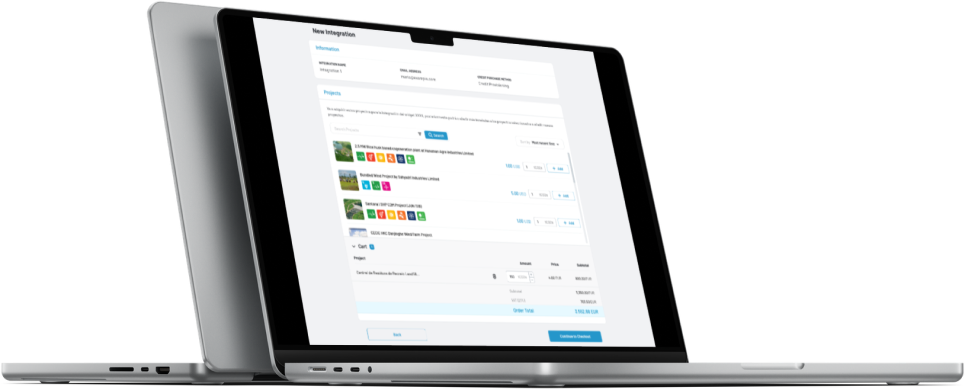
In our ‘Manage your Integration’ page you’ll discover all the capabilities the My ClimateTrade section offers you. Customize your integration by choosing the projects you want to generate impact or by personalizing the look and feel. You can monitor and optimize your app by accessing all your impact data , upload bulk offsets files or export and download the transactions made within your integrations.

Glossary
Visit our ‘Glossary’ page to discover and understand all our keywords and main concepts. Another helpful tool to make your life easier.
How can I get support?
1
As part of our contract agreement we are giving you personalized support at every step of the integration and beyond.
2
Send an email to your account manager or to the technical support email provided upon signing up for the integration
3
One member of our Product & Technology team will answer you in no time
